

When I started managing Google Ads campaigns professionally, I realized one thing — Google Ads is not difficult, you just need a clear roadmap.
So in this article, I’m sharing a simple, beginner-friendly guide based on my daily work experience as a Digital Marketing Manager.
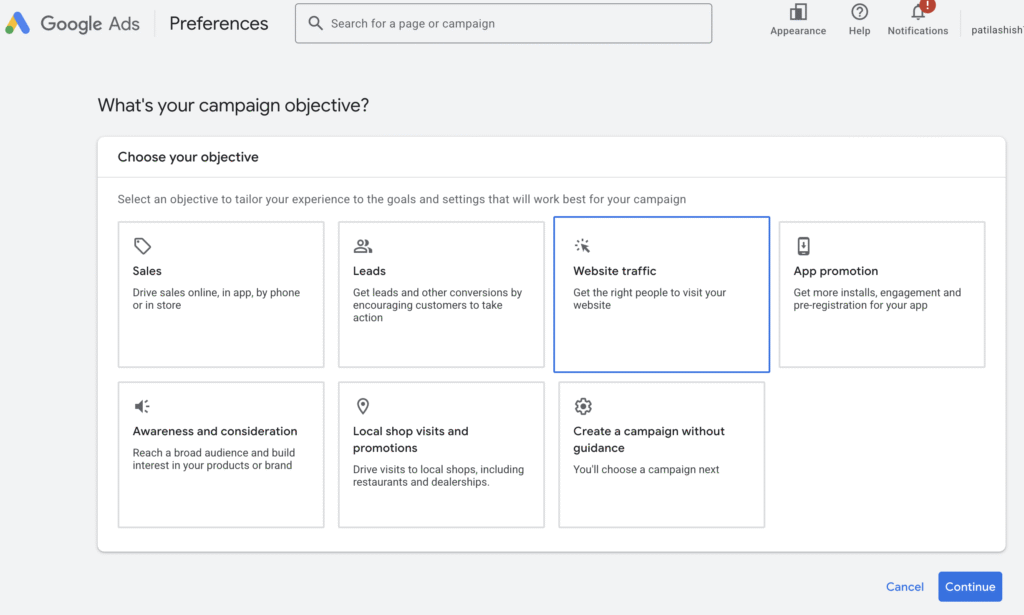
1. Start with a Clear Goal
Before touching the dashboard, decide:
-
Do you want leads?
-
Website traffic?
-
Sales?
-
Calls?
Your entire campaign structure depends on this first decision.
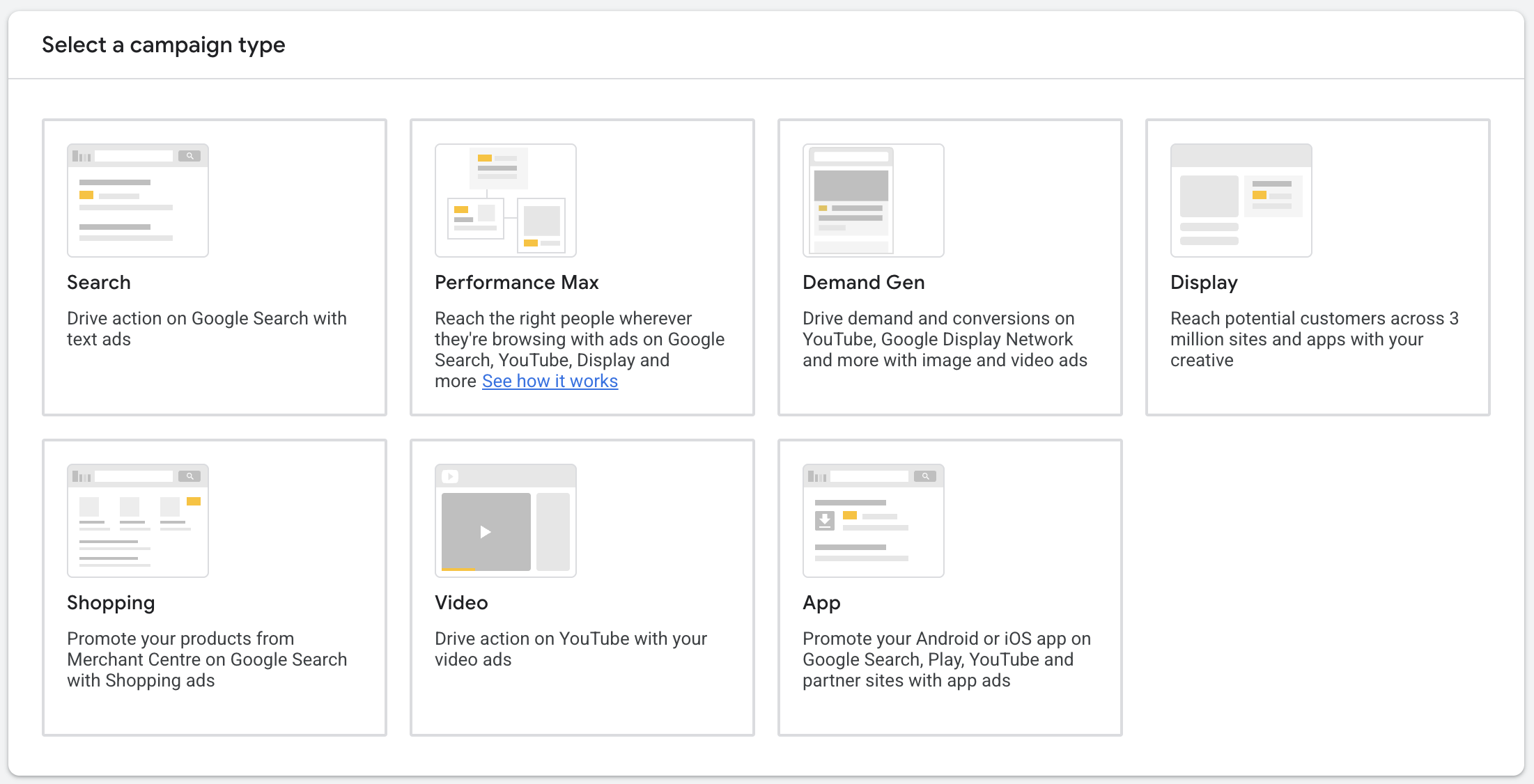
2. Choose the Right Campaign Type
For beginners, I recommend:
-
Search Ads for leads
-
Performance Max for e-commerce
-
Display Ads for branding
Don’t try everything at once. Pick ONE.
3. Keyword Research (The Heart of Google Ads)
Use these free tools:
-
Google Keyword Planner
-
Google Search itself
-
People Also Ask
-
Ubersuggest free version
Choose:
-
High-intent keywords (e.g., “best dentist near me”)
-
Avoid broad or generic keywords
4. Create Ad Groups with Tight Theme
Example for dentist:
-
Root Canal
-
Teeth Cleaning
-
Aligners
Each ad group = specific service.
5. Write High-Converting Ad Copies
Your headlines must:
-
Match the keyword
-
Highlight benefits
-
Add numbers or offers
Example:
-
“Painless Root Canal in Pune – Book Now”
-
“Expert Dentist with 14+ Years Experience”
6. Set Daily Budget + Bidding
Start with:
-
₹300–₹500/day
-
Bidding: “Maximize Conversions” for beginners
7. Add Extensions
Must add:
-
Call extension
-
Location
-
Sitelinks
-
Structured snippets
8. Track Everything
Install:
-
Google Tag Manager
-
Google Analytics 4
-
Conversion tracking
A campaign without tracking is just guesswork.